Crossy Road, the iPhone and iPad game that accumulated more than ten million downloads on iOS in its first month, is now available on Google Play.
The simplistic voxel-stylised autorunner had originally shipped on the Apple App Store in November, and was the victim of an outbreak of clones on the Google Play store. The names of the imposters include Crossy Chick, Smashy Road, and Chicken Crossy Cross.
But on Thursday, developer Hipster Whale announced on Twitter that the game has now shipped on Google Play. The free-to-play title has already amassed thousands of five-star ratings from fans.
Crossy Road can be found directly on Google Play here.
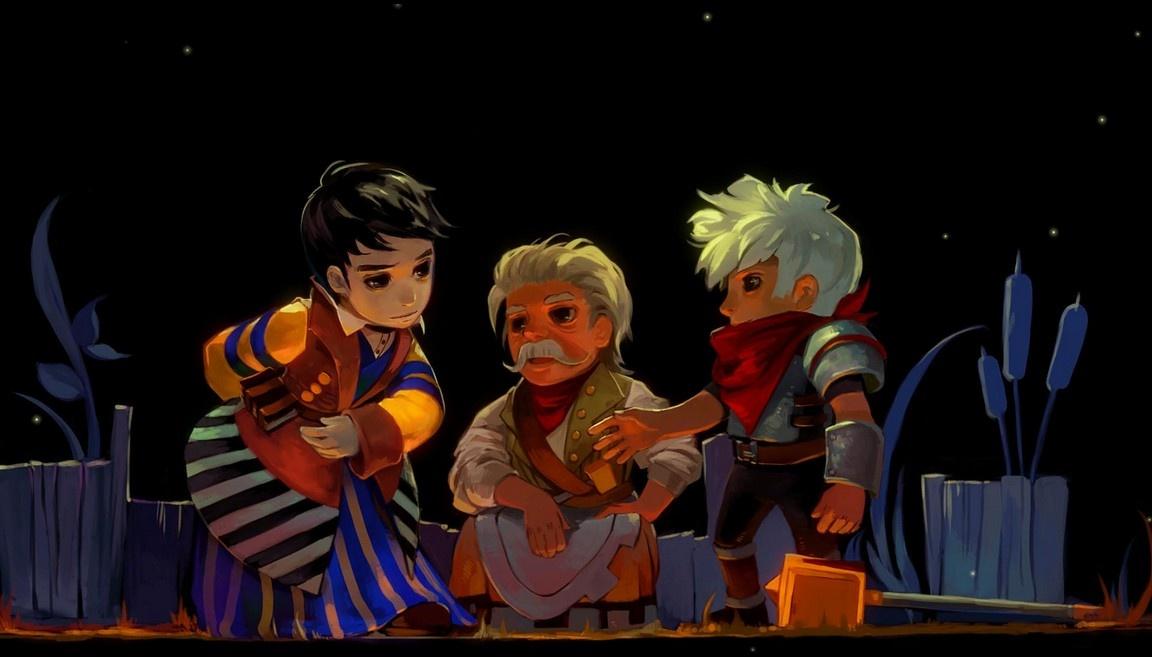
Independent developer Supergiant Games has revealed sales numbers for its first two games. In a blog post on the developer’s website, creative director Greg Kasavin (disclosure: Kasavin is a former GameSpot editor) announced that Bastion has sold 3 million copies while Transistor has moved 600,000 units.
Bastion was released in 2011, and is now available across a variety of platforms, including Xbox 360, PC, and iOS. PlayStation 4 and PlayStation Vita versions of the game were announced in December, and will be released in spring 2015.
Transistor
“Bastion’s success exceeded our wildest fantasies by quite a bit,” Kasavin said, explaining that the majority of sales came many months after the title’s initial debut.
As for Transistor, it’s actually selling faster than Bastion when comparing sales data for each game’s respective first months. Transistor was released in May 2014 for PS4 and PC. Supergiant has not announced plans to bring the game to Xbox platforms.
“Word-of-mouth is what kept Bastion going for way, way longer than we could have imagined, and it’s what’s kept Transistor going strong, too,” Kasavin said.
Bungie is preparing a new Destiny update that will remove many of the tricks and exploits found in its expansion, The Dark Below.
Specifically, players have discovered numerous ways to circumvent whole sections of the map on the Crota’s End raid mission. The patch, which is scheduled to deploy on January 13, is expected to plug these known exploits.
Meanwhile, Bungie said that a Hard Mode for Crota’s End is in the final stages of development, and will come packaged in a subsequent update.
“We’re not going to spoil any hard mode surprises here,” the studio wrote on an official blog post.
“You’ll need to learn a new trick or two, but given your past performances, we’re pretty sure plenty of you will find a way to come out on top and earn some shiny new trophies to take with you on your next adventure.”
The Patch also fixes an error in the Vault of Glass raid, where players at level 32 would find they were no longer awarded Exotic items.
Bungie also said that its Iron Banner multiplayer event will return on January 13 and run for a whole week.
Patch notes, written by Bungie, are copied below.
Crota’s End – Updates
The existing Pit treasure chest reward moved to killing Ir Yut, the Deathsinger. She has a chance to drop Exotic weapons and armor, class pieces, and Radiant materials.
The Pit treasure chest will now contain Radiant Materials.
Pit Encounter
Removed the physics impulse caused by exploding lanterns.
Bridge Encounter
Players will now be required to cross the bridge in order to complete the bridge encounter.
Players will now be required to wait for the bridge to be completed prior to crossing with the sword.
Deathsinger Encounter
Fixed a rare case where the Shriekers would not spawn, preventing players from reaching the Deathsinger.
Crota Encounter
Two Swordbearers will no longer spawn at the same time at the outset of the encounter.
Crota will now recover from his kneeling state after a player quits.
Fixed a bug that allowed players to remove the “Presence of Crota” using a Radiance Warlock’s Fireborn ability.
Fixed a bug that made the Oversoul appear destroyed to some players in a Fireteam when it was actually still active.
Vault of Glass – Updates
Exotic weapon drops in the Vault of Glass are now Level 32.
The minimum price of an iPhone or iPad game in the UK has climbed to 79p, as part of sweeping changes to the baseline price of iOS apps across Europe and Canada.
Apple has already informed its development partners that the starting price of applications in most European countries, as well as Canada, will need to increase by a small percentage. In the UK, which is one of the first countries to implement the changes, the minimum price has risen by about 14 percent, from 69p to 79p.
It marks the second time Apple has raised the minimum price of apps in the UK since the App Store’s launch in 2008. The most recent changes were anticipated by some analysts because of a new Europe-wide tax increase on digital goods.
In Canada, the explanation for the price change isn’t as clear, though this week the Canadian dollar fell to its lowest level in five years.
The minimum price for a Google Play app in the UK is 50p.
“Faster equals better” is how you’d normally think about improving a gaming PC. A new CPU, gigabytes of RAM, and a more powerful GPU (not to mention the swift response times of an SSD) all give you some sort of boost in frame rates and image quality, resulting in an arguably better experience. But with its G-Sync technology, Nvidia is giving the PC crowd another option, one that absolutely transforms the way your games look, play, and respond.
Why Do I Need G-Sync?
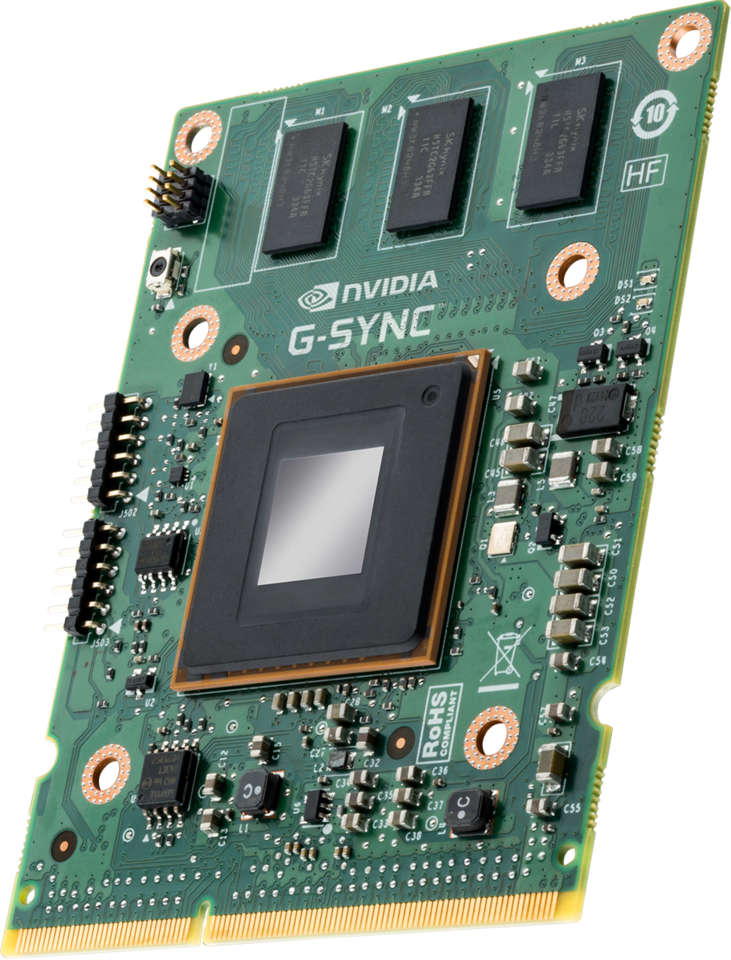
The G-Sync module in all its glory.
Traditionally, PC monitors and TVs update at a fixed refresh rate. Typically, this is 60Hz, meaning that the image displayed is updated 60 times a second; some gaming-specific monitors offer even higher refresh rates of 120Hz, or 144Hz. The higher the refresh rate of the monitor, the smoother an image appears in motion. In an ideal world, the frame rate of a game would perfectly match up with the refresh rate of a monitor, resulting in a smooth image free of any artefacts. The trouble is, GPUs aren’t really designed that way, and instead try to render frames as quickly as possible, presenting them to the display when they’re done.
This creates some of the more common issues that tend to affect the visual quality of games. For instance, if your GPU spits out a frame in the middle of a display’s refresh cycle (this typically happens when the game is rendering frames faster than the monitor can display them), it ends up showing part of the image from one frame and part of the image from another at the same time, resulting in what’s commonly known as screen tearing. The fix for this is to keep the GPU and display in sync with V-Sync. With V-Sync on, the GPU only passes frames to the display when it’s ready for them. This eliminates tearing, but causes another problem: stuttering.
It’s incredibly difficult for a game render at a consistent frame rate, simply because each frame of that game can be very different from the one that proceeded it. In a shooter, you might have noticed that during indoor sections, the frame rate is much higher than in big outdoor sections where there’s lots of different elements to render. This variable frame rate means that even with V-Sync on, the GPU still wants to present a frame that’s out of sync with the display. If that frame arrives before the display is ready, the GPU waits until next refresh period, resulting in a repeated frame in the interim, which makes the image appear to stutter.
Aside from being visually distracting, stuttering also has the effect of increasing input lag as the GPU repeats frames in order to keep itself aligned with the refresh rate of the monitor. That’s why you often see professional players turning off V-Sync, and making do with lots of screen tearing.
How Does G-Sync Work?
Nvidia’s solution to the problem is simplicity itself, so much so that it’s a wonder that it’s taken this long for a company to release it. There’s no real technical reason that modern LCD displays update at a fixed refresh rate, other than that they were first designed to replace CRT displays, which only work at fixed refresh rates. Nvidia eliminates this hangover from the CRT days by replacing the scaler from a monitor with a G-Sync one, enabling a variable refresh rate that waits until the GPU is ready with a new frame before displaying the image. The result is a wonderfully smooth image that’s free from tearing and stuttering, even at sub 60fps performance.
At a technical level, the G-Sync module works by manipulating a display’s VBLANK (vertical blanking interval), which is the time between the display drawing the last line of the current frame and drawing the first line of the next frame. During this VBLANK, the display holds the current frame before beginning to draw a new one. VBLANK is yet another hold over from CRTs, where a gap was needed in order for the CRT to begin drawing a frame from the top of the display (CRTs draw frames from top to bottom). Modern LCDs don’t actually need VBLANK, but Nvidia found a new use for it, modifying the VBLANK time so that the display can wait for a new frame from the GPU before displaying it, resulting in a variable refresh rate.
I’ll Need Some New Gear, Right?
Of course, this being an Nvidia solution, you need an Nvidia GPU to make it work, as well as a special G-Sync display. While G-Sync has been around for a while, it’s only recently that retail G-Sync displays have become available, commanding a significant price premium (around $200) over their non-G-Sync counterparts. However, nearly all G-Sync monitors (with the exception of Acer’s 60Hz 4K panel) run at high 144Hz refresh rates, and sport very low latency times, making them ideal for playing games. The cheapest in the US right now is BenQ’s XL2420G, a 24″ 1080p display that retails for $599, while those in the UK can check out the AOC G2460PG, which retails for around £329.
The ASUS ROG is one of the best gaming monitors around.
The absolute best of the bunch right now is the 27″ ASUS ROG PG278Q, a 1440p display that retails at a hefty $799. As I noted during my GTX 980 review, 1440p is the sweet spot for high-end gaming right now, with smooth 60fps visuals possible with just a single GPU (although two definitely won’t hurt!). Aside from sporting one the of the thinnest bezels I’ve seen on a monitor, the ASUS ROG PG278Q also features a 144Hz panel, as well as a 1ms response time. The only downside with the display is that it makes use of a TN panel (albeit a very good one), which means you don’t get the same ultra-wide viewing angles and colour reproduction of a good IPS panel.
Acer’s $799 XB280HK is a tempting option for those wanting to get into 4K (particuarly given the sub 60fps performance of running games in 4K) but you do have to make do with a TN panel that only goes up to a 60Hz refresh rate. Whichever G-Sync monitors you go for, there are some limitations to be aware of, namely that all of them only feature a single display port input. This is thanks to G-Sync only working over display port, and the module only allowing for a single input. On the plus side, a G-Sync display will happily work with any display port enabled device, just without any of the frame-syncing goodness.
Sounds Good, But Does G-Sync Actually Work?
The difference between a G-Sync display and a non-G-Sync display is dramatic, although, it largely depends on what kind of performance you’re getting from a game in the first place. Anything below 30fps results in the same kind of stuttering that you see with V-Sync turned on, so don’t expect miracles if you’re running older hardware (note that G-Sync requires a GTX 650 Ti or higher to work). It’s also worth noting that if your system typically manages to run games close to the refresh rate of your monitor, you won’t initially notice much difference between V-Sync and G-Sync.
Even then, there’s still an advantage to running G-Sync. With it switched on (running on a the ASUS ROG PG278Q in this case), there’s no screen tearing at all, while stuttering is completely eliminated. The difference is night and day, and I’ve never played games that looked and felt as smooth as they do while using G-Sync. Going back to V-Sync (on or off) further highlights the improvements of G-Sync, with games looking awfully juddery without it. Given the current niche nature of G-Sync, it’s unlikely you’ll be able to head down to your nearest electronics store to check it out and see the differences for yourself, but trust me when I say that $200 monitor markup is more than worth it.
With G-Sync, screen tearing like this disappears.
That’s particularly true if you’re running games at higher resolutions (1440p and up), or with all the settings cranked up. With G-Sync, it’s not as important that your game runs at a fixed 60fps frame rate, for which you’d typically have to turn down some settings, or invest in better graphics hardware. I found that anything from 35fps and up looked fantastic on G-Sync, with none of the noticeable fluctuations in frame rate that you’d get from a regular monitor. Even if you’re fortunate enough to have a system that regularly pushes above 60fps at 1440p, I found the 144Hz refresh rate of the ASUS monitor still made a big difference to the smoothness and response time of games.
What About Freesync?
Not long after Nvidia took the wraps off G-Sync, AMD unveiled Freesync, its own version of the technology. The key difference between the two is that Freesync has been developed in conjunction with VESA (the Video Electronics Standards Association), which integrated a technology called Adaptive-Sync into Display Port 1.2a standard as an optional feature. Oddly, Adaptive-Sync has been part of VESA’s embedded DisplayPort standard (eDP being used for things like connecting internal graphics cards to notebook display panels) since 2009, with the tech primarily aimed at reducing power consumption by playing with VBLANK timings. Only recently has Adaptive-Sync been extended to the desktop.
Freesync could be great, but it’s still a ways off from release.
The trouble is, there aren’t actually currently any Adaptive-Sync/Freesync monitors on the market. While the standard itself is free for any monitor maker to use (and for any GPU or hardware maker to integrate at their end), the monitor itself still needs a specialised scaler in order to handle the variable refresh rate. With G-Sync, Nvidia created the scaler and sold it on. Adaptive-Sync/Freesync requires monitor makers to create their own scalers, which obviously costs quite a bit in R&D. That said, AMD recently announced it would be collaborating with MStar, Novatek and Realtek to build suitable scalers, although, the company didn’t mention availability, or how much it would cost manufacturers to use.
So far, the only displays confirmed to make use of Freesync come from the mighty Samsung and LG. Samsung’s consist of the 23.6″ and 28″ UD590, and the 23.6″, 28″, and 31.5″ variants of the UE850, all of which will be UHD (4K) displays, while LG has a 21:9 1440p curved display on the way. Only Samsung’s Freesync displays have a release date, though, and are due to land this March. Because Adaptive-Sync is an open standard, there’s nothing to stop Nvidia from making its GPUs compatible with Display Port 1.2a and thus Samsung’s variable fresh rate monitors, or any others that get released. Given the amount of R&D that’s gone into G-Sync, that’s not likely to happen any time soon, but if Adaptive-Sync take off in a big way, the company may not have a choice.
As it stands though, Adaptive-Sync/Freesync has only been seen in tech demo form. If you want to experience to joys of variable frame rates right now, G-Sync is the only option.
Verdict
The smoothness that G-Sync brings to games can be astonishing at times. Once I’d experienced games without the stutter and screen tearing that have come to be part and parcel of a gaming experience (particularly on PC), I found it very hard to go back. Even better is how G-Sync enabled me to crank up all the settings without worrying about hitting a minimum of 60fps. That’s a big deal not just for players, but for developers that often have to fight against visual fidelity in order to reach a minimum frame rate target. Sadly, there’s no word on whether G-Sync will make its way to TVs anytime soon, and thus perhaps into future consoles (it’d be useful for 24fps Blu-Ray movies too). Right now, it’s a PC-only solution, but one that’s well worth the cost. And hey, with the likes Steam, 60fps, and 4K, only available to PC players, might as well have another reason way to make the PC awesome right?
DjangoCon is an annual convention for people who code in Django, which powers websites like Instagram and Pinterest (and can also be used in games development). Its European version was supposed to go down in June, but then a boy band happened, and everything went to shit.
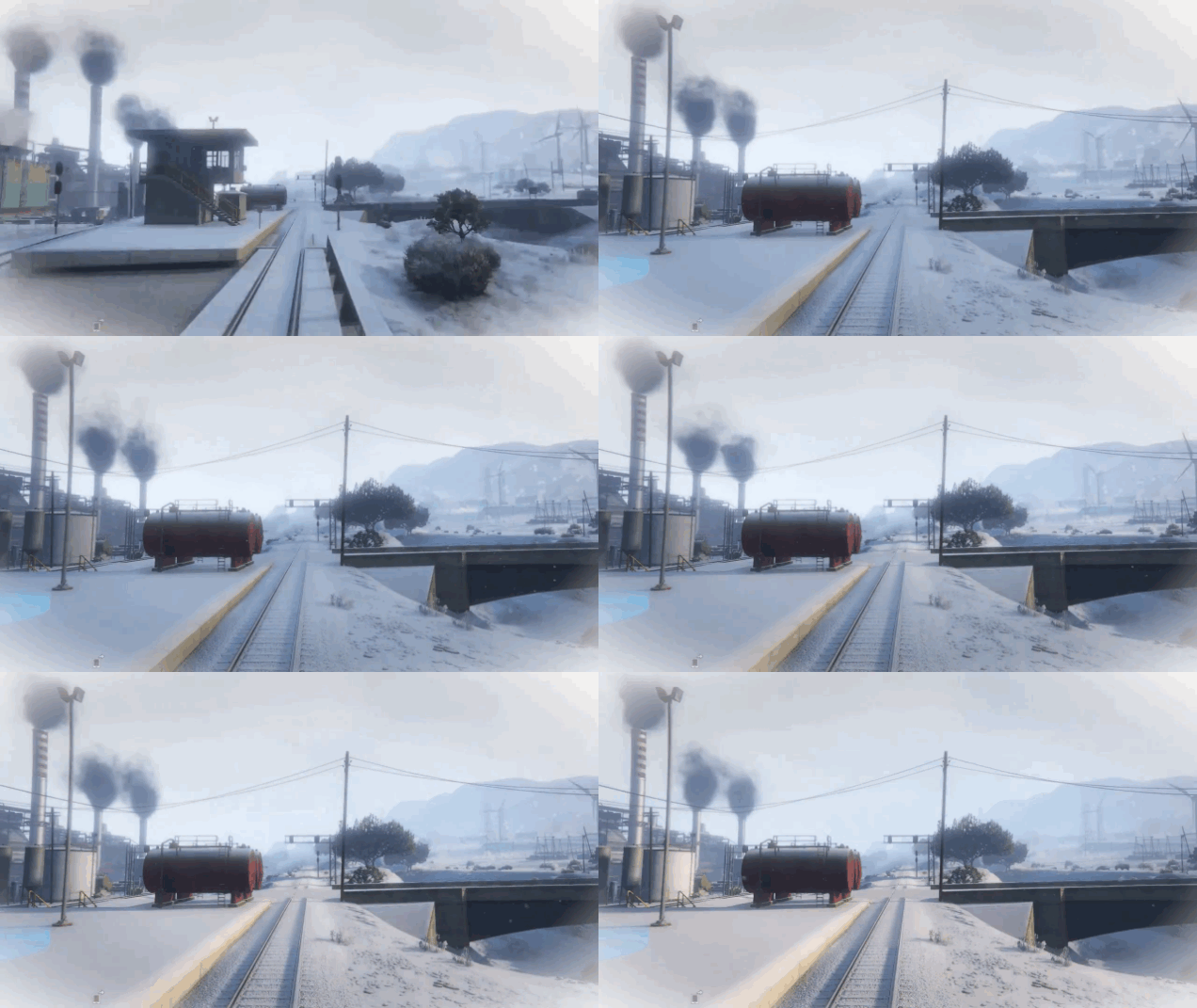
The central city in Grand Theft Auto V is supposed to be, essentially, Los Angeles. In real-world LA, snow is pretty much a mythical phenomenon. But Rockstar made flakes fall from the sky in GTA V over the holidays and it looked downright peaceful.
This is one of those things where you have to imagine events from the perspective of the character, and not the guy writing the movies. And when you do that, it’s not the dumbest twist on established Star Wars canon you’ve ever read.
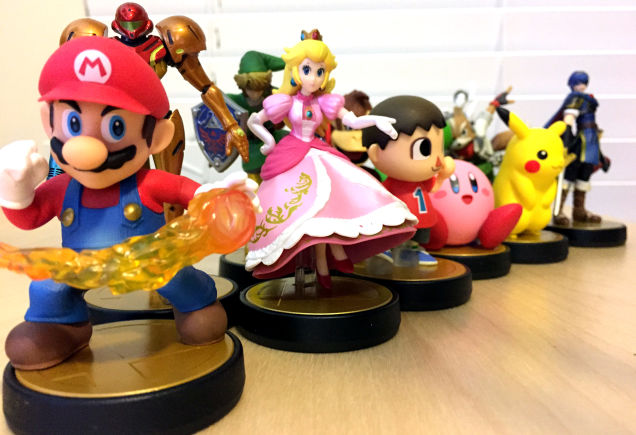
“I knew I should’ve trained him better,” a friend said somberly of her Luigi Amiibo after he got steamrolled by another friend’s Captain Falcon. “I knew he wasn’t ready.”